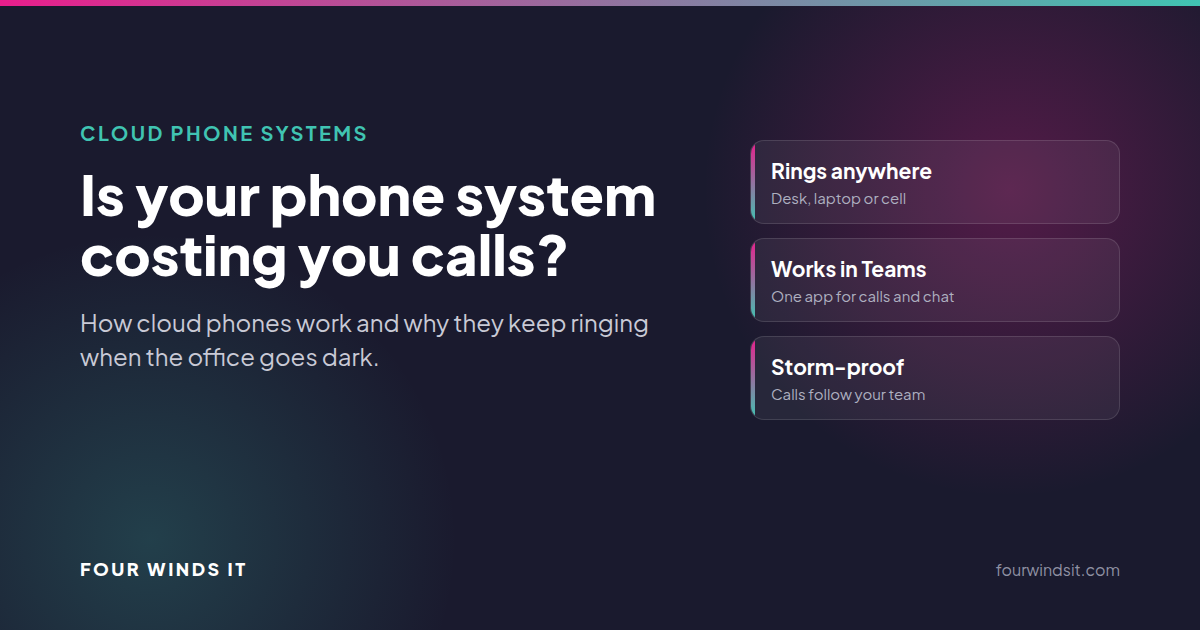
A cloud phone system runs your business lines over the internet instead of through a box in your server closet. Calls ring on desk phones, laptops and cell phones, you manage routing from a web portal, and when the office loses power or someone works from home, the phones keep working. For most 20 to 75 person businesses still on an older on-site system, moving to the cloud is cheaper to maintain and far more flexible.
Here's the real question: not "do our phones work?" but "what happens to our calls when we're not sitting at our desks?" If the answer involves a receptionist forwarding lines by hand, a voicemail box nobody checks, or calls that simply stop when the power goes out, your phone system is costing you customers you never hear about.
Key takeaways
- Cloud phones ring wherever your team is: desk phone, laptop app or cell phone, all on your business number.
- Call routing, auto attendants and hours are changed from a web portal in minutes, not by a technician on site.
- When the office goes dark, calls keep coming in, which matters a lot during a Florida storm season.
- We use RingCentral, which works inside Microsoft Teams and says it has delivered more than five consecutive years of 99.999% uptime.
What's wrong with the phone system we already have?
Maybe nothing, today. But most older on-site systems share the same problems:
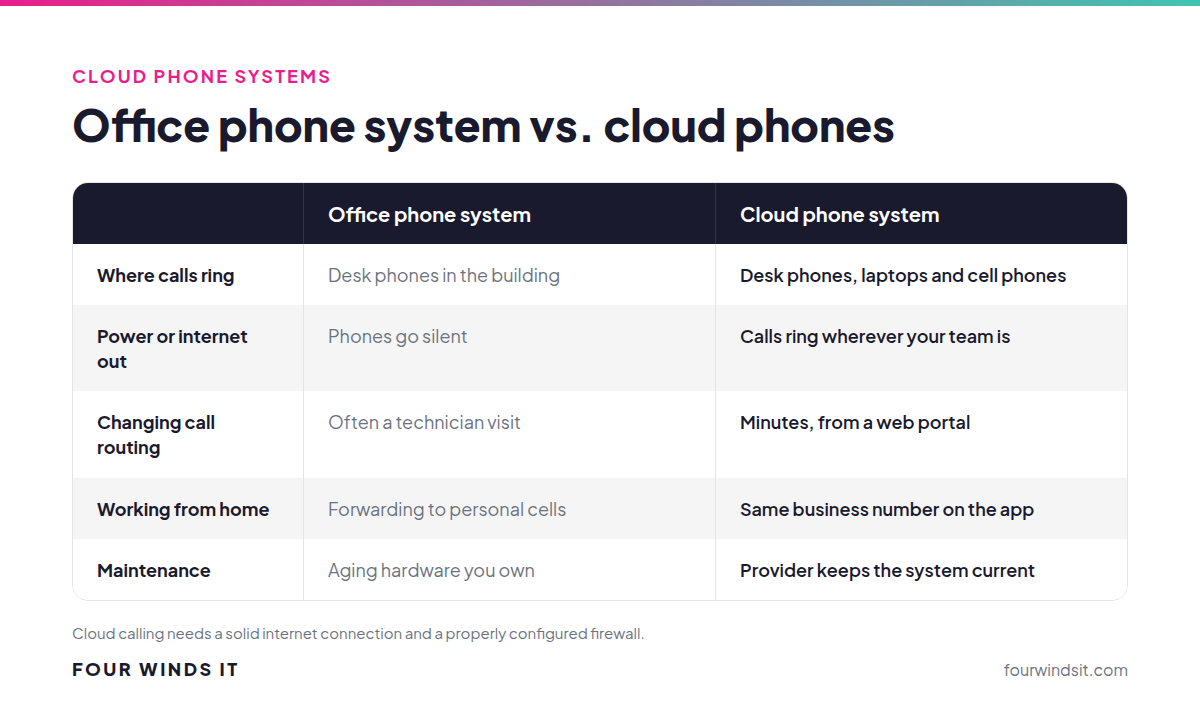
- They're tied to the building. If the office loses power or internet, or people can't get in, the phones stop.
- Every change needs a technician. Adding a line, changing the after-hours message or rerouting a department often means a service call.
- Remote work is an afterthought. People working from home either forward calls to personal cell phones, exposing their personal numbers, or miss them.
- The hardware ages out. When the system finally fails, you're shopping for a replacement in a hurry, on the vendor's terms.
What does a cloud phone system actually do?
The "phone system" lives in the provider's data centers. Your team signs in to an app on their computer or phone, or uses a desk phone that connects over the internet. Calls to your main number follow the rules you set: ring the front desk first, then the office manager, then voicemail after hours.
With RingCentral, which we deploy for clients, that includes:
- Calling from Microsoft Teams. RingCentral says teams "can make calls and send SMS and even faxes from within the Microsoft Teams app," so people don't juggle two systems.
- Desktop and mobile apps. The same business number works on a laptop at home or a phone at a job site, without giving out personal cell numbers.
- Routing you control. RingCentral describes setting up "smart routing rules," running "multiple call queues" and configuring "multi-level auto-attendants," all from a web portal.
- Reliability. RingCentral says it "has delivered more than five consecutive years of 99.999% uptime."
Why this matters in Florida
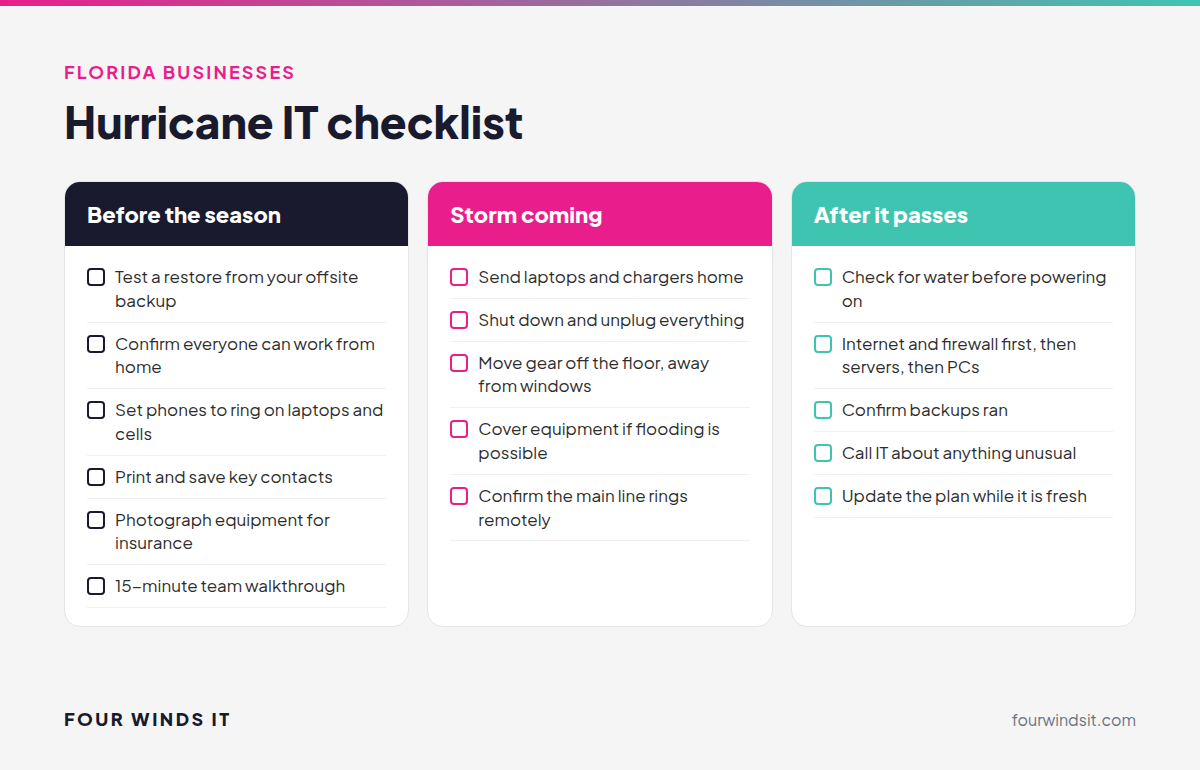
When a storm knocks out power, an on-site phone system goes silent along with the building. A cloud system doesn't. Calls ring on laptops and cell phones wherever your team is safe, and clients never know you're working from a kitchen table. That's exactly how our own office kept working when we lost power during the 2025 hurricane season. Read what hurricane season taught us.
What to check before you switch
- Your internet connection. Cloud calls need steady bandwidth. We check your connection and firewall settings first so call quality isn't a surprise.
- Your call flow. Map who answers what, after-hours rules and holiday schedules before anything moves.
- Your numbers. Business numbers can usually be moved to the new system so customers keep calling the same number.
- Your other tools. If you live in Microsoft Teams or a CRM, plan the integration up front.
- Your faxes, alarms and door entry. Older lines tied to fax machines, alarm panels or gate systems need a plan of their own.
How we handle the move
We're vendor-agnostic, with more than 100 technology partnerships, and we recommend RingCentral for most clients because it's reliable, easy for non-technical staff and works inside Teams. We map your call flow, check your network, move your numbers, set up desk phones and apps, and train your team. When something isn't working, you call us, not a vendor's support queue.
Frequently asked questions
What is a cloud phone system?
A business phone system that runs over the internet from the provider's data centers instead of hardware in your office. Calls ring on desk phones, computers and mobile apps using your business number.
Can we keep our existing phone numbers?
In most cases, yes. Business numbers can usually be moved to the new system, so customers keep calling the same numbers they always have.
What happens to our phones if the office loses power?
With a cloud system, calls keep coming in. They ring on laptops and cell phones through the app, wherever your team is working.
Does RingCentral work with Microsoft Teams?
Yes. RingCentral integrates with Teams so your team can make and receive business calls, send texts and manage call queues from inside the Teams app.
Will call quality be as good as our old phones?
With a solid internet connection and a properly configured firewall, yes. That's why we check your network before switching anything over.
What does a cloud phone system cost?
Cloud phone systems are priced per user per month, with the total depending on features like call queues, contact center tools and how many desk phones you need. We'll give you a clear quote after mapping your call flow, and you can often retire the maintenance costs of your old system.
Ready to stop missing calls?
We get it. Phones are one of those things nobody wants to touch until they break. We'll look at how calls move through your business today and show you what a cloud system would change, with local engineers in Sarasota and same-day on-site help when you need it. Talk to our team.
Sources

 Dylan Borden
 Dylan Borden : Nov 10, 2025, 8:15:00 AM